
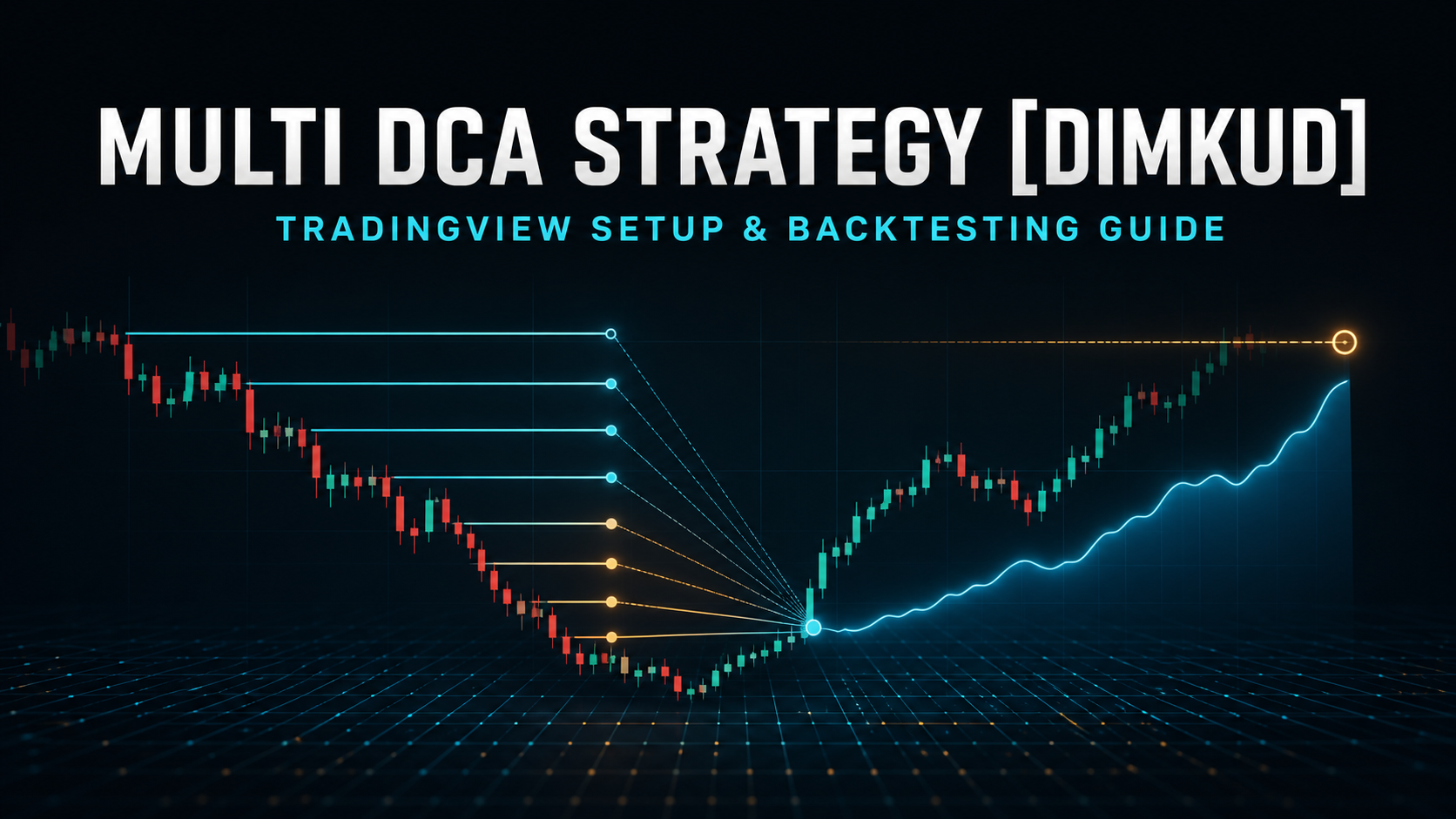
Multi DCA Strategy [Dimkud] is a private TradingView strategy builder created by Dimkud. It combines technical-analysis signals and filters with a DCA grid construction and testing module. You can build a single-order strategy with a stop loss, a mathematical DCA grid, or a signal-driven averaging system.
Access for Elixo Bots customers.
Every Elixo Bots user with an active paid subscription can request access. Contact Elixo support, provide your exact TradingView username and ask for activation. The author grants access manually to that TradingView account.
Open Multi DCA Strategy [Dimkud] on TradingView
Contents
- What the strategy does
- Access and chart setup
- Quick start
- DCA Grid parameters
- Signals and filters
- Exits and protection
- Backtesting workflow
- Alerts and automation
- Troubleshooting
What Multi DCA Strategy is
This is a constructor, not one fixed algorithm. Choose a market, timeframe, Long/Short direction, entry and exit rules, then combine more than 30 indicators, filters and special conditions. Active entry blocks work together: an order, or the first order of a grid, appears only when every enabled condition allows it.
- Single order: static or ATR-based TP/SL, breakeven, trailing stop and indicator exits.
- DCA Grid: a signal starts the first order; later orders are placed mathematically using coverage, order count, martingale and logarithmic spacing.
- Safety Orders by Signals: every averaging order requires a fresh signal rather than only a price level.
- Automation: TradingView alerts can be sent to a compatible bot platform or your own Webhook.
The strategy can be applied to crypto, forex, stocks and other TradingView instruments, but every symbol and timeframe needs its own testing.
Get access and add it to a chart
- Confirm that your paid Elixo Bots subscription is active.
- Send your exact TradingView username to Elixo support.
- Wait for the author's activation confirmation.
- Open the strategy page and add it to Favorites.
- On a TradingView chart, open Indicators → Favorites or Invite-only scripts → Multi DCA Strategy [Dimkud].
- Open Inputs; use Properties for capital, order sizing and test settings.
Quick start
- Select a liquid instrument and timeframe.
- Use a date range containing rising, falling and sideways regimes.
- Choose single-order or grid mode; enable Activate DCA Grid for a grid.
- Set direction. With DCA Grid active, direction comes from the grid block.
- Set bot deposit, leverage, TP and SL; start with conservative leverage.
- Keep one understandable entry source, establish a baseline and add filters one at a time.
- Review Net Profit together with Max Drawdown, trade count, Margin Calls and regime stability.
With all filters disabled, the strategy may start a new trade immediately after the previous one closes. This is useful as a grid baseline, but is rarely a complete trading system.
DCA Grid parameters
| Parameter | Purpose |
|---|---|
| Long or Short Grid | Direction of the entire grid. |
| Deposit for Bot | Capital allocated to one grid. With isolated margin it approximates the risk budget, while liquidation also depends on venue rules, fees and leverage. |
| Leverage | Leverage modeled in the test; higher values amplify return, drawdown and Margin Call risk. |
| Grid Size (%) | Total price coverage from the first to the last averaging order. |
| Number of orders | Maximum orders in the grid. |
| Orders Value Martingale | Order-size multiplier. 1.0 means equal orders; 1.1 makes each next order about 1.1 times larger. |
| Logarithmic Orders Steps | Spacing progression. 1.0 means equal gaps; above 1.0 places later levels farther apart. |
| Close All Orders on Big Drawdown | Test-only approximation of liquidation/forced close at a cash-loss threshold. |
| Change Take Profit if Many Orders | Usually lowers TP after N orders to bring a deep grid's exit closer. |
| Send Alert only for First Order | Sends grid start and close when an external bot platform manages the averaging orders. |
How parameter changes affect risk
- More orders: finer averaging, but less capital in early, frequently used orders.
- Wider Grid Size: survives deeper movement, but levels trigger less often.
- Higher Martingale: moves average price faster after late entries, while concentrating size near the end.
- Higher Logarithmic Steps: denser early levels and wider late levels.
- Larger TP: more potential profit per close, but fewer closes.
- Wider SL: fewer stops, but a larger cash loss when one triggers.
- Looser entry rules: more trades and a higher chance of entering before an adverse move.
The grid stop sits beyond the final order. The approximate path from first entry to Stop Loss is Grid Size plus the SL distance after the grid, so coverage, SL and leverage must be evaluated together.
Signals and filters
A signal creates an entry event on a specific bar. A filter permits or blocks that event. Multiple enabled blocks form a logical AND. After a standard DCA grid starts, later levels are generated independently of indicators.
Trend and market structure
- SuperTrend ×3: multi-timeframe direction filters, trend-change signals and Opposite Signal.
- Two Moving Averages: MA1/MA2 cross signals and price above/below MA1 filters; SMA, EMA, RMA, WMA and MTF.
- Keltner, Bollinger and Turtle Bands: breakout, rejection, wick-out, close-out and return-inside conditions.
- Consolidation Zone: range filtering controlled by lookback and minimum length.
- Highest/Lowest Bar, Levels Break and LRC: extremes, validated level breaks and Linear Regression Channel exits.
- Candlestick Patterns and Divergences: timeframe-selectable price-action patterns and divergences.
Oscillators, momentum and volume
Available blocks include RSI ×3, Stochastic, RVI, MFI, CCI, Momentum, Dynamic RSI/MFI, SMIO, DMI/ADX, Chaikin Money Flow, Balance of Power, MACD and QQE. Use them as range filters, line/level-cross signals or trend-strength confirmation. Selected indicators can use BTCUSDT as their source instead of the current altcoin.
Signal Memory and Opposite Signal
Signal Memory stores a rare event for several bars while other filters catch up. A MACD cross can occur now and an entry can happen later when RSI and Highest/Lowest Bar also agree. Opposite Signal reverses a signal's direction and must be validated as a deliberate setup.
Safety Orders by Signals
- Disable Activate DCA Grid.
- Set the real Pyramiding count in Properties, commonly 2–15.
- Enable Use Safety Orders by Signals; define deposit and order percentages totaling 100%.
- Enable Use Min Distance for Orders and set minimum price movement between entries.
- Each averaging order now requires a new signal combination. This can avoid filling several levels during one vertical move, but does not remove market risk.
Exits and position protection
- Static TP/SL and temporary SL = TP tuning mode.
- Multi Take Profit: up to four partial exits.
- Breakeven and Trailing Stop; trailing results are sensitive to intrabar simulation.
- ATR TP/SL: volatility-based levels running alongside static exits.
- Close only in Profit and time-based closing after N bars, optionally only when profitable.
- Indicator closes: RSI, Stochastic, MA Cross, Parabolic SAR and channels.
- Reverse after SL/BE: reverse entry after stop or breakeven; test fees and reversal streaks.
A disciplined backtesting workflow
- Lock symbol, timeframe, dates, initial capital, position size, fees and direction.
- Define risk first: bot deposit, moderate leverage, grid coverage and liquidation threshold.
- Change one parameter at a time and log the result.
- Open the worst trade or Margin Call on the chart; inspect filled levels and stop location.
- Retest on another period and across different regimes.
- Compare Net Profit, Max Drawdown, trade count, losing streaks, fees and stability.
- Forward-test on paper/demo or minimum size before increasing exposure.
A historical test describes selected past data, not the future. Searching thousands of combinations can easily overfit the backtest.
Alerts, Webhooks and bot execution
- Bot platform manages the grid: recreate deposit, coverage, order count, martingale and TP/SL in Elixo Bots or another platform; enable Send Alert only for First Order.
- Strategy manages orders: send every strategy action through a Webhook and map symbol, side, size, reduce-only behavior and message format exactly.
- Create a TradingView alert for the intended strategy event.
- Use bar-close calculation if that is how the system was tested.
- Paste the receiving platform's Webhook URL and exact message template.
- Verify logs with demo/minimum size.
- Never let two independent systems manage the same grid simultaneously.
Troubleshooting
- Strategy missing: verify the TradingView username and access confirmation; check Invite-only scripts.
- No orders: filters are too strict, dates/direction are wrong or a rare signal needs Signal Memory.
- Maximum number of orders exceeded: shorten the period, raise the timeframe or tighten entries.
- Calculation timed out: shorten the test and reduce heavy MTF blocks.
- Margin Call / drawdown over 100%: reduce leverage/size, widen coverage or redesign the stop.
- Live mismatch: check fees, slippage, Bar Magnifier, alert timing, minimum order size and external execution.
Pre-launch checklist
- Access is active for the correct TradingView username.
- The setup passed more than one favorable period.
- Leverage, total grid size and maximum cash loss are understood.
- Fees and slippage are included.
- The Webhook was tested with demo/minimum size.
- A stop plan exists for regime changes and technical failures.
Execute Trades via Webhook
Multi DCA Strategy [Dimkud] can send trading signals using standard TradingView Webhook Alerts.
If your trading platform does not support TradingView Webhooks directly, you can use AlgoWay as a bridge. It allows strategy signals to be forwarded to MetaTrader 5, TradeLocker, Match-Trader, DXtrade, cTrader, Capital.com, Alpaca and other supported platforms.
Detailed guide: connect TradingView through AlgoWay →
For activation, contact Elixo support. Discuss settings in the TradingView/Dimkud community. Strategy link: Multi DCA Strategy [Dimkud].