
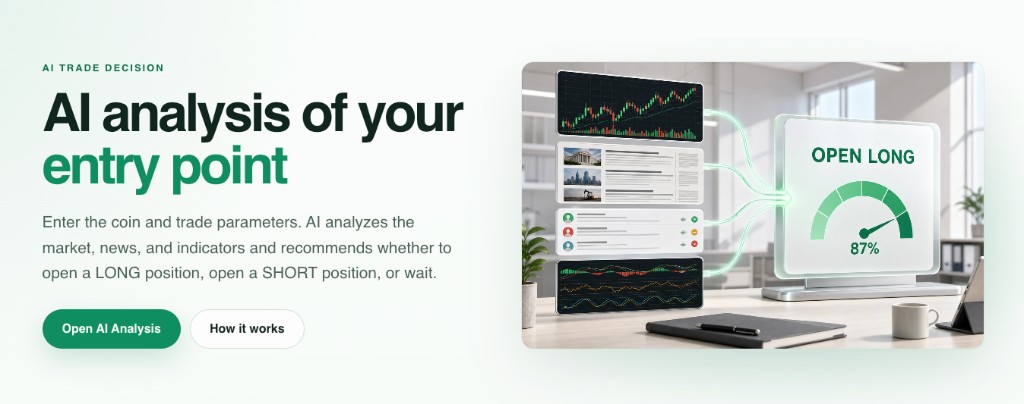
The Start Bots Signal category contains descriptions of signals that can start trading bots. One of these signals is AI Entry Analysis (AI Trade Decision).
When creating or editing any bot, there is a Start signal builder block at the bottom of settings. You can choose different start signals there. If you select AI Entry Analysis, the bot starts from AI market evaluation instead of relying only on a fixed technical trigger.
What AI Entry Analysis checks
This signal combines indicators with broader market context into one decision.
- News: events and publications that may affect price movement.
- Twitter (X) and sentiment: discussions, participant reactions, and shifts of attention to the coin.
- Futures data: open interest, liquidations, and directional pressure.
- Technical picture: indicator groups are evaluated together with market context.
Signal outcomes
- OPEN LONG - context supports opening a LONG position.
- OPEN SHORT - context supports opening a SHORT position.
- WAIT - data is not aligned or risk outweighs the potential edge, so start is not triggered.
The response also includes rationale, confidence level, and key risks.
History and auto-analysis controls
In your account under AI Trade Decision, you can review analysis history in Signal History. Additional auto-analysis controls are available in Manage AI Subscriptions. The same settings are also available on the bot edit page.
Important
AI Entry Analysis provides an analytical signal; trade execution decisions and risk management remain the user’s responsibility.